
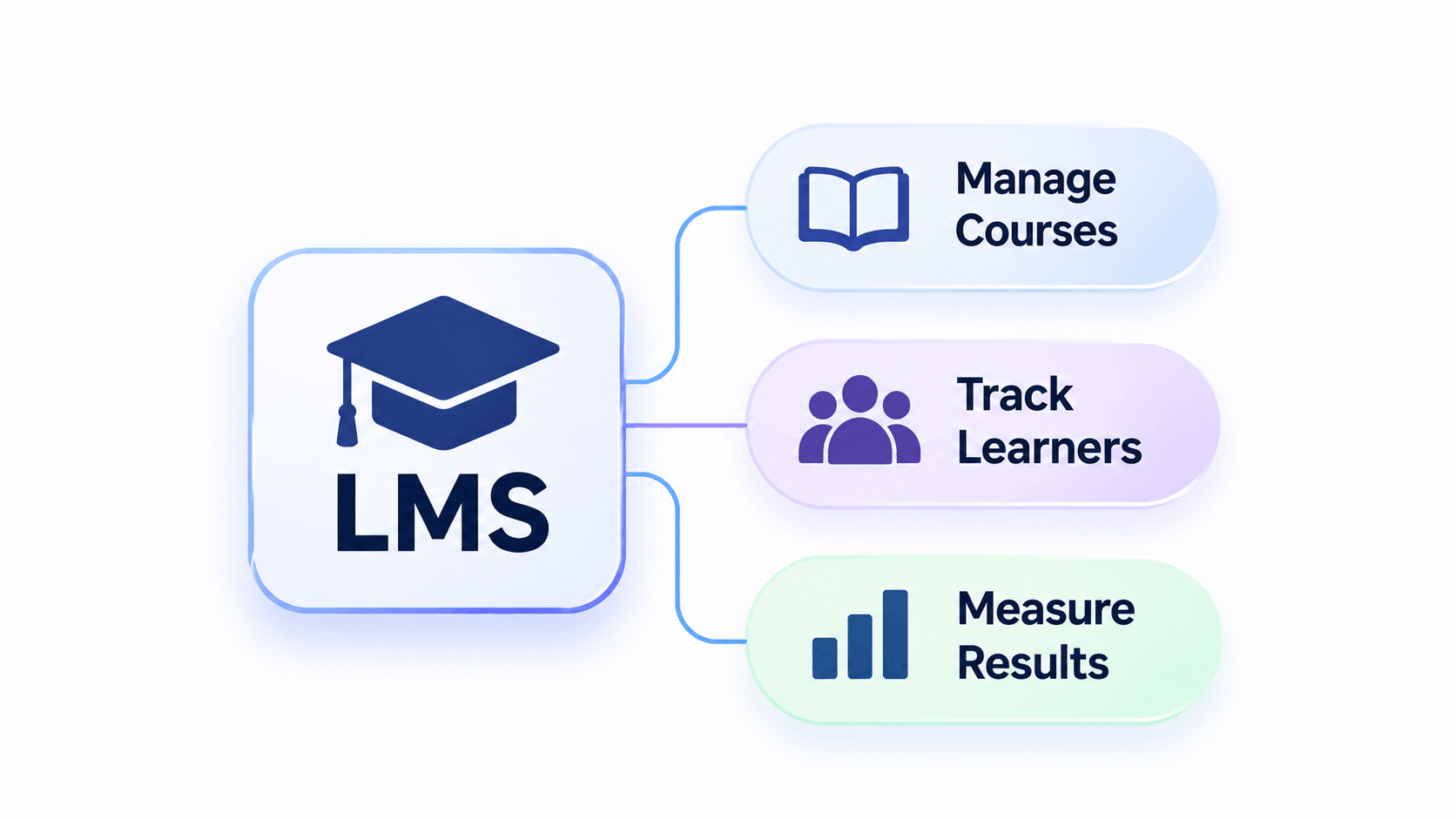
Most organisations keep their training in too many places. Slides are in one folder, recordings in another, and attendance in a spreadsheet nobody has updated since last quarter. A learning management system brings the courses, the learners and the results into one place.
This article covers what an LMS is, how it works, which features matter, the main types of LMS and how to choose between them.
What Is an LMS?
An LMS, short for learning management system, is the software a school or a company uses to run its courses online. An administrator adds the learners and assigns the courses. Instructors upload the lessons, videos and quizzes. Learners sign in, work through what they have been given and see their scores at the end.
The record matters most. Suppose a compliance course must be finished by 31 March. The platform shows who has completed it, who has started and who has not opened it yet. In practice, LMS software works as a shared record of who was assigned which course and how each person did, which is what separates it from a folder of files.
How Does an LMS Work?
An LMS follows a simple cycle with four steps.
- Set up. An administrator creates user accounts, groups and roles, such as learner, instructor and manager.
- Publish. Courses are built or uploaded in formats such as video, documents, quizzes and SCORM or xAPI packages.
- Deliver. Learners are enrolled manually or automatically and study at their own pace, in live sessions or in a blend of both.
- Track. The platform records completions, scores and time spent, then produces reports and issues certificates.
What Are the Key Features of an LMS?
Features vary between products, but most platforms include the following:
- Course management. Organise lessons into modules and learning paths.
- Assessments. Quizzes with automatic grading and feedback.
- Progress tracking and reporting. Dashboards for completion rates, scores and overdue training.
- Certificates. Automatic certificates when a learner passes.
- Role based access. Separate permissions for learners, instructors and administrators.
- Communication tools. Announcements, discussion forums and live class links.
- Automation. Enrolment rules and deadline reminders.
- Integrations. Connections to HR systems, video conferencing and payment tools.
- Mobile access. Learning on phones and tablets.
- Security. Encryption and controlled permissions to protect learner data.
Accessibility also belongs on this list. A platform and its courses should work with screen readers, captions and keyboard navigation, and Margo Learning's accessibility and WCAG compliance services include audits of LMS platforms and SCORM courses.
What Are the Types of LMS?
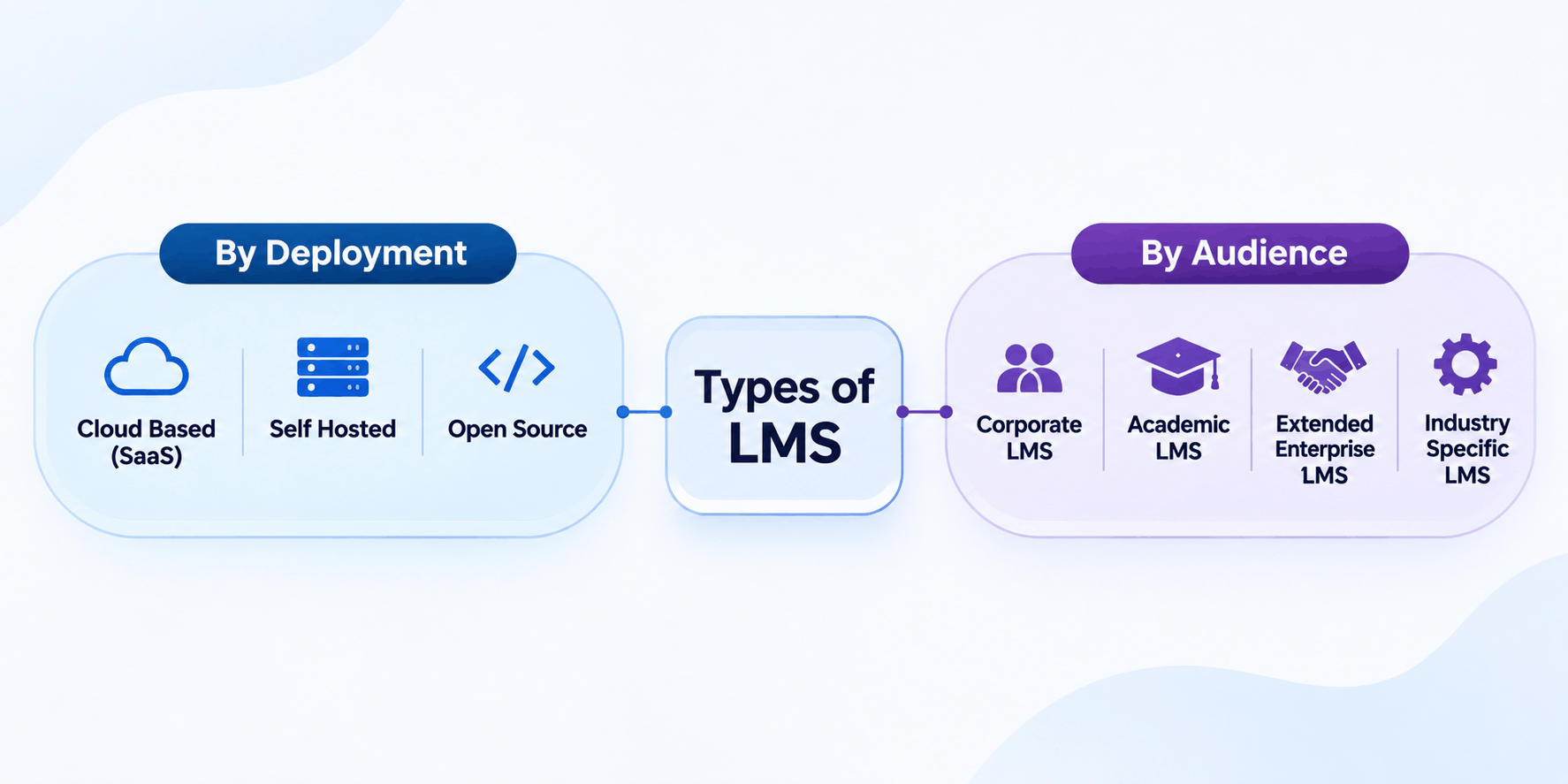
LMS platforms are grouped in two ways: by how they are hosted and by who they serve.
Types of LMS by deployment
| Type | How it works | Best suited to |
|---|---|---|
| Cloud based (SaaS) | The vendor hosts the system and you use it through a browser | Teams that want quick setup and no server management |
| Self hosted | You install it on your own servers | Organisations that need full control over data and design |
| Open source | The code is free to use and modify, and you pay for hosting and support | Teams with technical staff who want to customise |
Types of LMS by audience
- Corporate LMS. Built for onboarding, skills training and compliance.
- Academic LMS. Built for schools and universities, with assignments, grading and course management.
- Extended enterprise LMS. Built to train customers, partners and franchisees outside your own staff.
- Industry specific LMS. Built for sectors such as healthcare or finance, where regulation is stricter.
How Is an LMS Different from an LXP or LCMS?
An LMS is administrator led. It assigns courses, tracks completion and manages certification. A learning experience platform (LXP) is learner led, and it recommends content based on interests and roles. A learning content management system (LCMS) is used to author, store and reuse learning content. Many organisations use an LMS together with one or both.
What Are the Benefits of an LMS?
- Lower training costs. Online delivery reduces spending on venues, printed material and travel.
- Learning at any time. Learners study on any connected device, on their own schedule.
- Consistent quality. Every learner receives the same content and the same assessment.
- Clear measurement. Reports show completion, scores and gaps, so you can judge whether training works.
- Easier compliance. Mandatory courses are assigned automatically, and records are ready for audits.
- Scales with you. The same platform can serve a small team now and a whole workforce later.
Who Uses an LMS?
Schools and universities use an LMS to run online and blended courses. Training providers sell and deliver courses through it. Hospitals, banks and government agencies use it for mandatory training with renewal dates. Corporate teams use it for onboarding, sales training and skills development, and Margo Learning's corporate learning and development content is built for exactly this setting.
How Is an LMS Priced?
Vendors use several pricing models. A per user fee charges for every registered account, while a per active learner fee charges only for people who log in during the billing period. Tiered subscriptions bundle features and learner limits into plans, and custom enterprise contracts suit large organisations. Some self hosted products are sold as a one time licence. Each model changes how predictable your costs are as your learner numbers grow, so match the model to your expected growth.
How Do You Choose the Right LMS?
- Define your purpose. Decide whether you need to train employees, customers or students, and how many.
- List essential features. Separate must have features from useful extras.
- Check standards support. Confirm the platform supports SCORM and xAPI, so your content works without rebuilding.
- Review integrations. Check that it connects to your HR, video and payment systems.
- Compare total cost. Include setup, hosting, support and per user fees, not only the licence price.
- Run a pilot. Test the platform with a small group before you commit.
How Can Margo Learning Help You With Your LMS?
An LMS only delivers what you load into it, so the quality of the courses decides the result. Margo Learning's courseware development services produce custom eLearning in SCORM or xAPI format, tested on your LMS before delivery, with source files for later updates. Contact Margo Learning to discuss your platform and training needs.
Frequently Asked Questions
LMS stands for learning management system. It is software that creates, delivers, manages and tracks online courses and training programmes for schools, businesses and other organisations.