
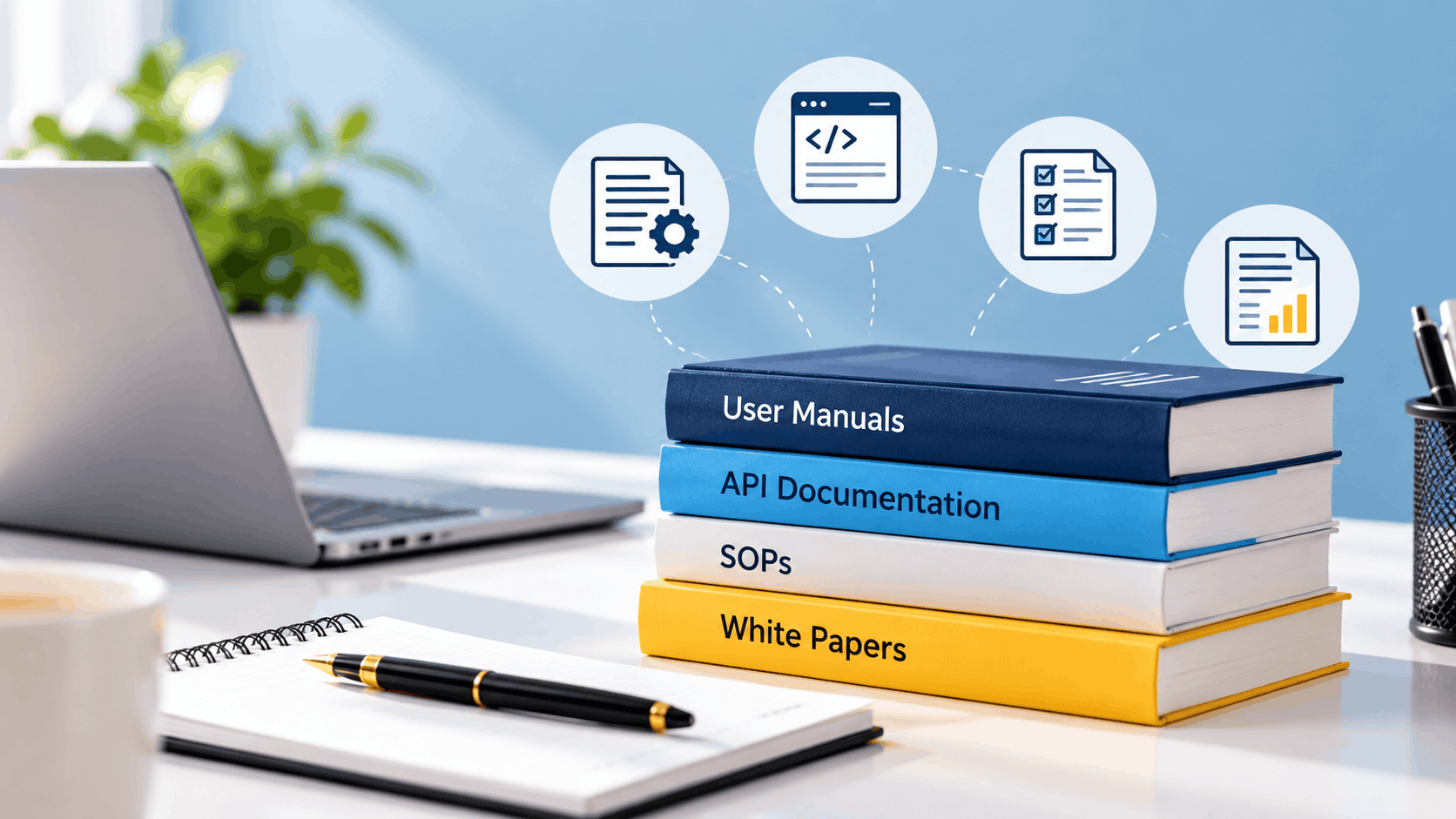
An engineer who writes a setup guide, a product team that publishes release notes and a compliance officer who drafts a procedure all produce technical writing. The documents look different, address different readers and follow different conventions. Understanding the categories helps teams choose the right document for each task.
What Is Technical Writing?
Technical writing is the practice of explaining specialised or complex information clearly so that a specific audience can use it. The Society for Technical Communication, which ceased operations in January 2025, defined the wider field as any communication about technical topics, communication that uses technology, or instruction on how to do something. Technical writing is the written branch of that field.
The goal is usability, not persuasion or style. A reader should be able to complete a task, understand a system or make a decision after reading. This focus separates technical writing from marketing copy and creative writing.
Why the Distinctions Matter
Different readers need different things from a document. A developer integrating a payment service needs endpoints and code samples, while an office worker following a procedure needs numbered steps and clear warnings. Using the wrong format wastes the reader's time and raises support costs.
The profession itself remains well established. The US Bureau of Labor Statistics reports a median annual wage of $90,390 for technical writers in May 2025, with around 3,200 openings projected each year over the decade. Demand is steady because every product, process and platform needs documentation.
Types of Technical Documents at a Glance
The table below groups the main document types by audience and purpose, with a typical example for each.
| Category | Typical Audience | Purpose | Examples |
|---|---|---|---|
| End-user documentation | Customers and general users | Help people use a product | User manuals, installation guides, FAQs, help centre articles |
| Developer documentation | Engineers and integrators | Explain how to build with or maintain a system | API reference, SDK guides, code documentation, architecture documents |
| Process documentation | Employees and operators | Standardise how work is done | Standard operating procedures, runbooks, internal wikis |
| Business and research documents | Executives, buyers, regulators | Inform decisions | White papers, technical reports, proposals, specifications |
| Release communication | Users and administrators | Announce changes | Release notes, changelogs, upgrade guides |
End-User Documentation
End-user documentation supports people who use a product but do not build it. User manuals, quick start guides and installation instructions are the classic forms. Help centres, FAQs and knowledge bases deliver the same material online, where readers can search for the exact problem they face.
Language in this category avoids jargon and relies on short steps and visuals. Troubleshooting guides belong here as well, since they address what to do when something goes wrong. A good example is a printer manual that moves from unboxing to setup to common error messages in a logical order.
Developer Documentation
Developer documentation targets technical readers who build, integrate or maintain software. API documentation is the best known example, covering endpoints, authentication methods, request and response formats and code samples. SDK guides, code comments and architecture documents belong to the same group.
Accuracy and completeness take priority over friendliness. Developers expect working examples and precise parameter descriptions. Outdated documentation in this category causes integration delays quickly, so it needs regular review alongside code releases.
Process and Internal Documentation
Process documentation captures how an organisation performs recurring work. Standard operating procedures describe the steps for tasks such as onboarding a vendor or handling a customer complaint. Runbooks serve technical teams by listing the actions to take during an outage or a deployment.
Internal wikis collect this knowledge in one searchable place. In banks, insurers and other regulated businesses, these documents also support audits, since they show that staff follow approved procedures. Clarity and version control matter more than design in this category.
Business and Research Documents
Some technical writing supports decisions rather than tasks. White papers explain a problem and a solution in depth, usually for prospective buyers or industry peers. Technical reports present findings from testing, research or analysis.
Proposals, feasibility studies and product specifications also fall here. Their readers are often senior and time-limited, so a short executive summary is standard. Evidence and clear structure carry more weight than persuasive phrasing.
Release Notes and Change Communication
Release notes tell users what changed in a new version, including new features, improvements and fixed defects. Changelogs record the same information in a running list for technical audiences. Upgrade guides add the steps needed to move from one version to the next.
Brevity and accurate labelling are the main requirements. A reader scanning the notes should quickly see whether a change affects their work. Links to detailed instructions keep the notes short while giving access to depth.
Technical Writing Styles
Style in technical writing refers to how information is organised and expressed. Most documentation uses a plain language approach, with short sentences, active voice and consistent terminology. Task-based writing, often called procedural writing, structures content around what the reader wants to accomplish.
Conceptual writing explains what something is and why it matters, while reference writing lists facts such as commands, parameters or specifications for lookup. Many documentation teams separate content into concept, task and reference topics so that each type stays focused. Minimalist writing removes anything that does not help the reader act, which keeps manuals short.
A style guide keeps all contributors consistent on tone, terminology and formatting. Companies often adopt a published guide as a base and adapt it to their products.
Technical Writing Formats
Format describes the medium in which a document reaches the reader. Printed manuals and PDF files remain common for hardware, regulated industries and offline use. Online help centres and documentation portals dominate for software, because they support search, linking and frequent updates.
Video tutorials suit tasks that are easier to show than describe, such as assembling equipment or navigating an interface. In-app guidance places short instructions directly inside the product at the point of need. Slide decks and internal wikis serve training and team knowledge sharing.
Choosing a format depends on where the reader will be and what they are trying to do. A technician repairing machinery may prefer a printed card, while a developer expects a searchable web page.
Technical Writing Examples in Practice
A software company may publish all five categories at once. A new customer reads the quick start guide, a developer consults the API reference and a support agent follows an internal runbook for a known error. The product team then posts release notes when a fix ships.
A bank offers a parallel example. Customers read a guide to setting up internet banking, the compliance team maintains SOPs for account opening and the technology team documents integrations with payment partners. Each document has a different reader, yet all rely on the same principles of clarity and accuracy.
Choosing the Right Type for Your Needs
The first question is who will read the document and what they need to do afterward. A customer who wants to finish a task needs a guide, while an auditor needs a procedure and a record of approval. Matching document type to reader purpose prevents long, unfocused documents that serve nobody well.
Maintenance deserves equal attention. Documents tied to a product should be updated with each release, and procedures should be reviewed on a fixed schedule. Assigning an owner to every document keeps this from being forgotten.
Build Documentation That Supports Your Product
Good documentation reduces support requests and helps customers adopt a product faster, but it also needs a platform that makes it easy to find. Margo Digitech works with businesses on web development, cloud services and AI automations, including documentation portals and knowledge bases that connect with existing products. Content and platform planned together give readers a smoother experience.